About CD-N5802-A 8 CH NVR Camera
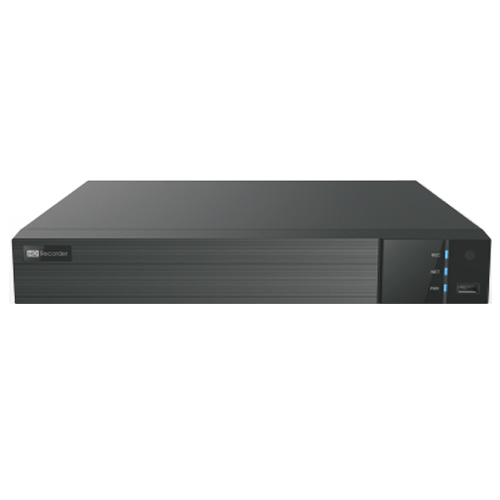
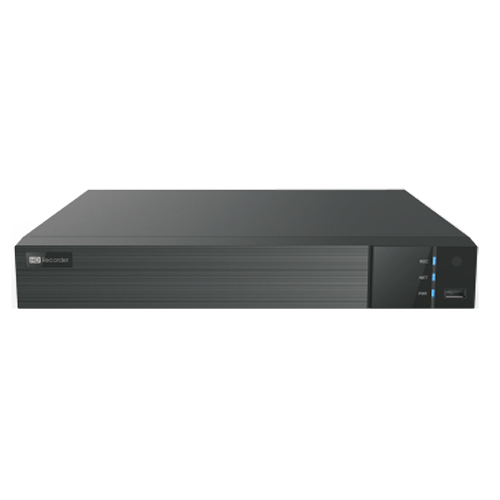
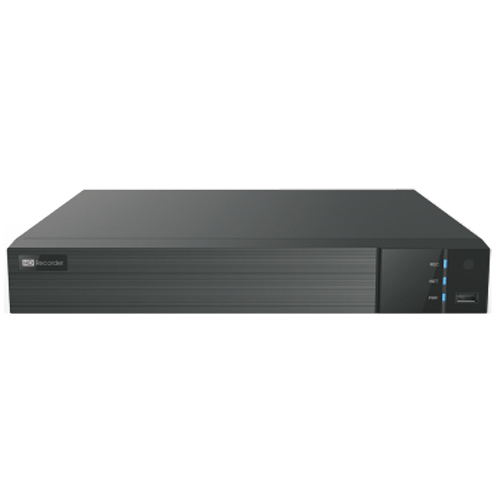
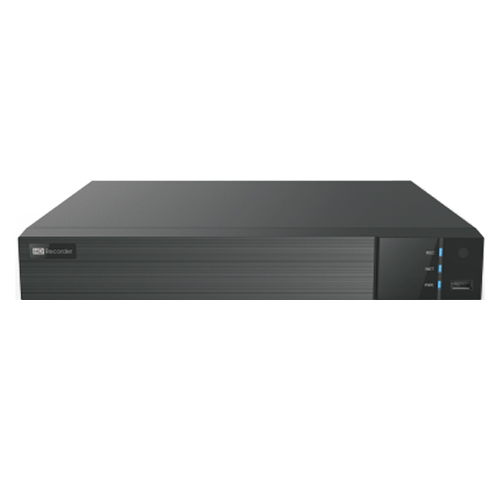
H.265 8CH NVR
- Support 8CH Up To 8MP Real-Time
- Input & Recording
- Network Access Bandwidth:96Mbps
- 6KV Surge Protection
- SATAx1, USB Option
- Max 8T Per HDD
- Output:HDMI/VGA
- 8CH Simultaneously Playback
Versatile Recording and Playback OptionsThe CD-N5802-A 8 CH NVR supports varied recording modes, including manual, scheduled, and motion-triggered. With 4 channel synchronous playback, you can review multiple camera feeds simultaneously, making surveillance management efficient and hassle-free.
Seamless Remote and Mobile AccessMonitor your premises in real-time from anywhere using the dedicated iOS and Android app. The system's network compatibility allows remote access and control from your PC or mobile, enhancing security oversight for busy homeowners and business operators.
Flexible Storage and ConnectivityThis NVR supports up to a 4TB SATA HDD (sold separately) and features dual USB 2.0 ports for backup and updates. With HDMI and VGA outputs and RJ45 Ethernet connectivity, installation and integration with existing security infrastructure are straightforward.
FAQ's of CD-N5802-A 8 CH NVR Camera:
Q: How do I set up and connect compatible cameras to the CD-N5802-A NVR?
A: To set up compatible cameras, connect ONVIF-compliant IP dome or bullet cameras to the NVR via an RJ45 Ethernet cable. Power the system using the included DC 12V/2A adapter, and connect the NVR to your network router for remote access. Follow the on-screen instructions for configuration via the intuitive interface.
Q: What types of recording modes does this NVR support and when should each be used?
A: The NVR supports manual, scheduled, and motion-based recording modes. Use manual mode for immediate, continuous recording, scheduled mode for specific timeframes, and motion-based recording to capture video only when movement is detected, optimizing storage space and playback review efficiency.
Q: Where can I view my surveillance footage remotely?
A: You can conveniently view your footage on your PC or through mobile devices using the dedicated iOS and Android apps. Remote viewing is enabled by connecting the NVR to your network and logging in via your smartphone or computer, ensuring you stay updated on your property from virtually anywhere.
Q: What is the process for increasing storage with this NVR system?
A: The NVR supports up to a 4TB SATA hard drive (not included). Simply open the unit, install the desired HDD, and follow the on-screen setup process to format and enable recording, allowing extended video retention.
Q: How does the NVR system benefit business and home surveillance applications?
A: With features like real-time monitoring, motion detection alerts, mobile viewing, and high-definition recording (up to 1080p and 5MP cameras supported), the system enhances security for offices, retail locations, warehouses, and homes. Easy remote management and scalable storage make it suitable for diverse monitoring needs.
Q: What security and network protocols does this device support for reliable operation?
A: The NVR supports essential network protocols such as TCP/IP, DHCP, DDNS, PPPoE, HTTP, NTP, and SMTP, ensuring secure communication, straightforward setup, and reliable connectivity for remote access and device management.





 Send Inquiry

 Send Inquiry